Learn an instrument. Then learn to play it with someone.
Twenty-two instruments, every common type of each. Pick one and learn where its notes live. Add a second player and get a plan for how you sound together. Stay in tune while you're at it.
The mesh isn't a picture — it's the sound. Click to strum a chord, synthesized live in your browser.
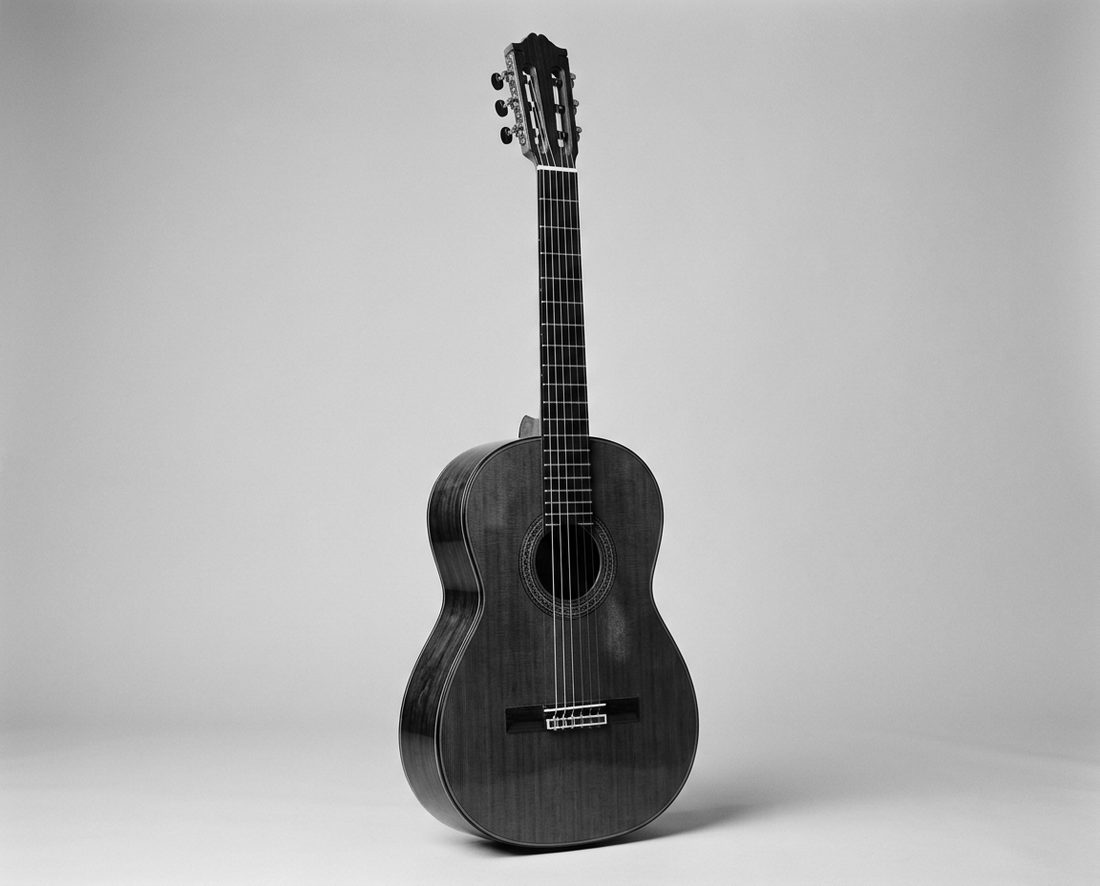
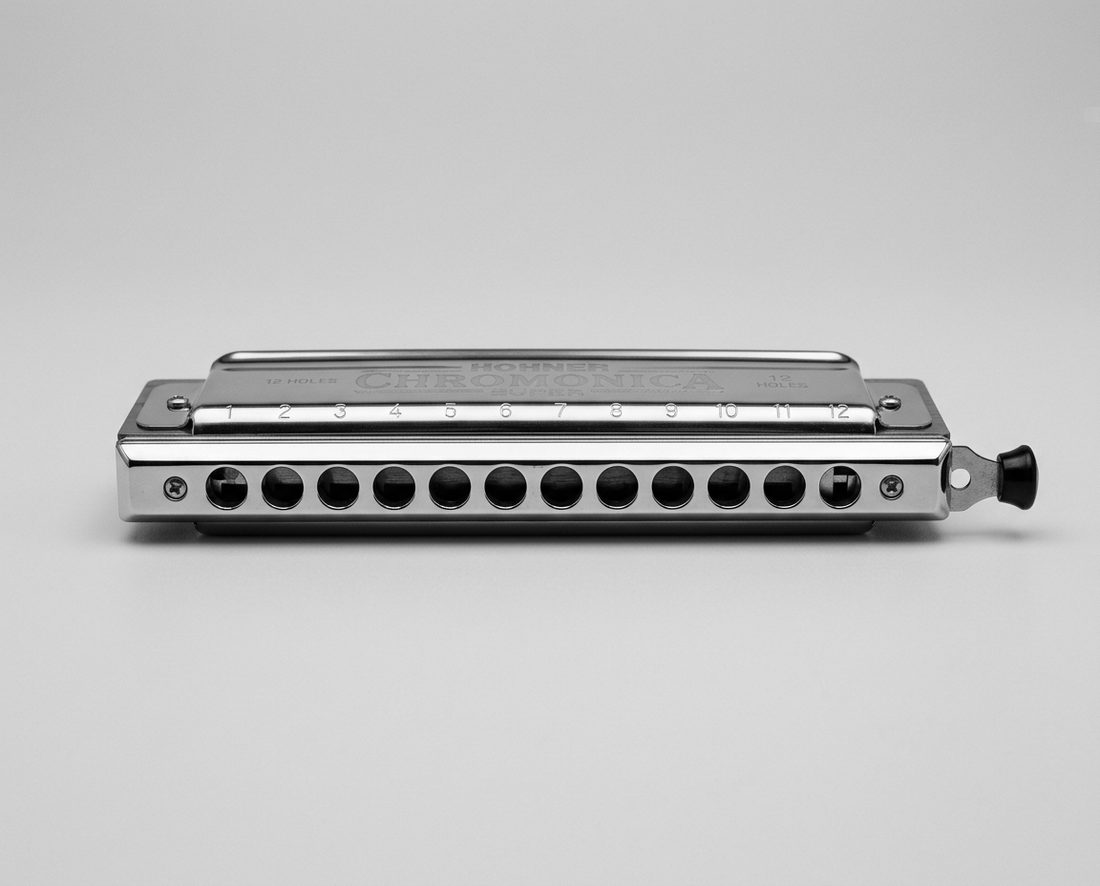
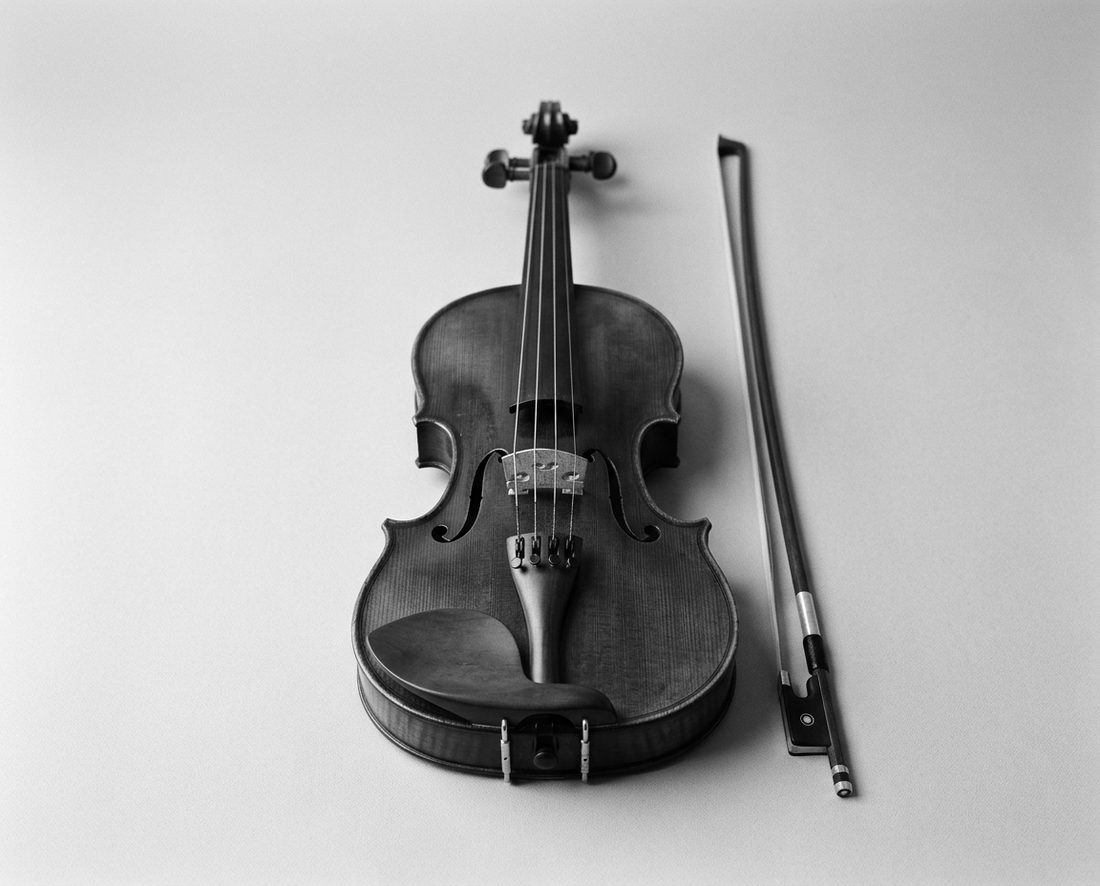

Four things, done well
ChordMesh doesn't try to be a full course. It does the four things every first band actually needs — and it makes all of them hands-on.
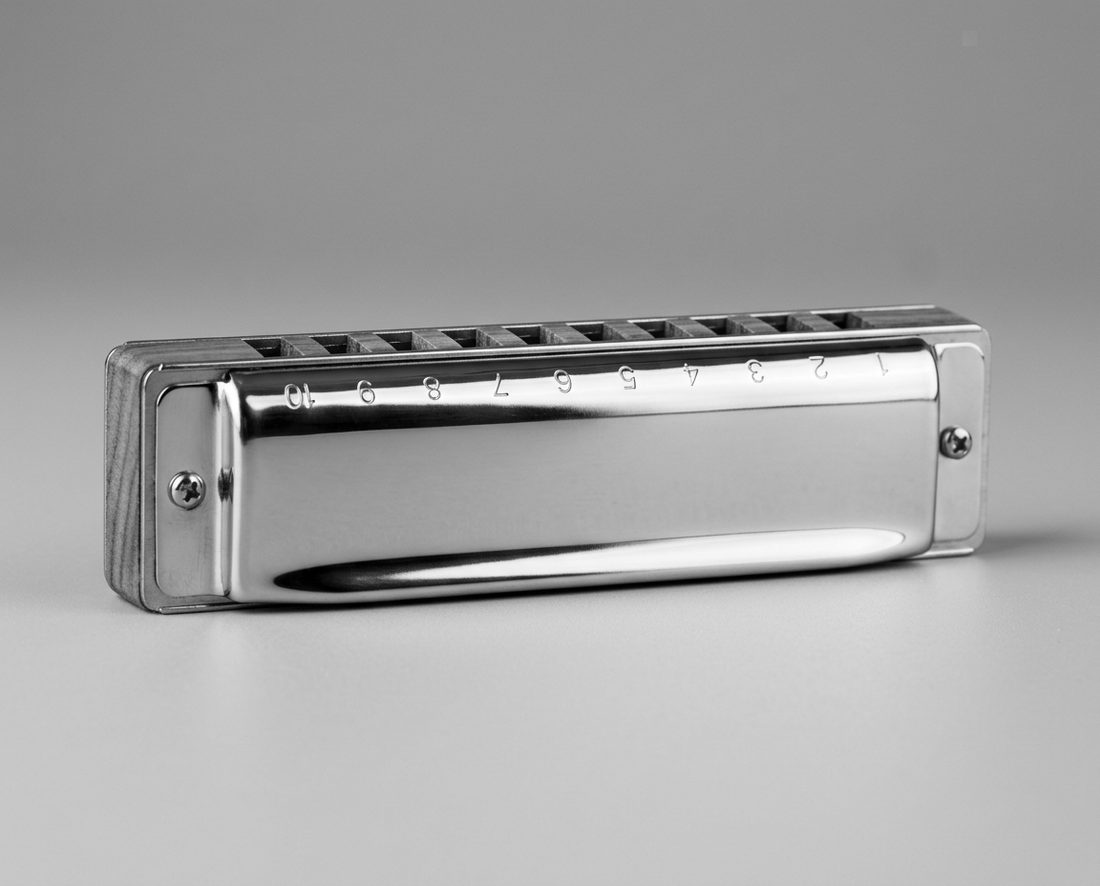
Where the notes live
Every type opens into a note-setup tutorial: how the sound is made, a diagram you can tap to hear every note, and the first things to practice.
Open the tutorials →
The Duet Lab
Pick any two instruments. ChordMesh writes the pairing plan — who leads, where each of you sits in the register, which keys to start in, and a first exercise to try together.
Generate a plan →
A tuner that's just there
Reference tones for every string and reed in the library, plus a mic mode that shows the note and how many cents sharp or flat you are.
Open the tuner →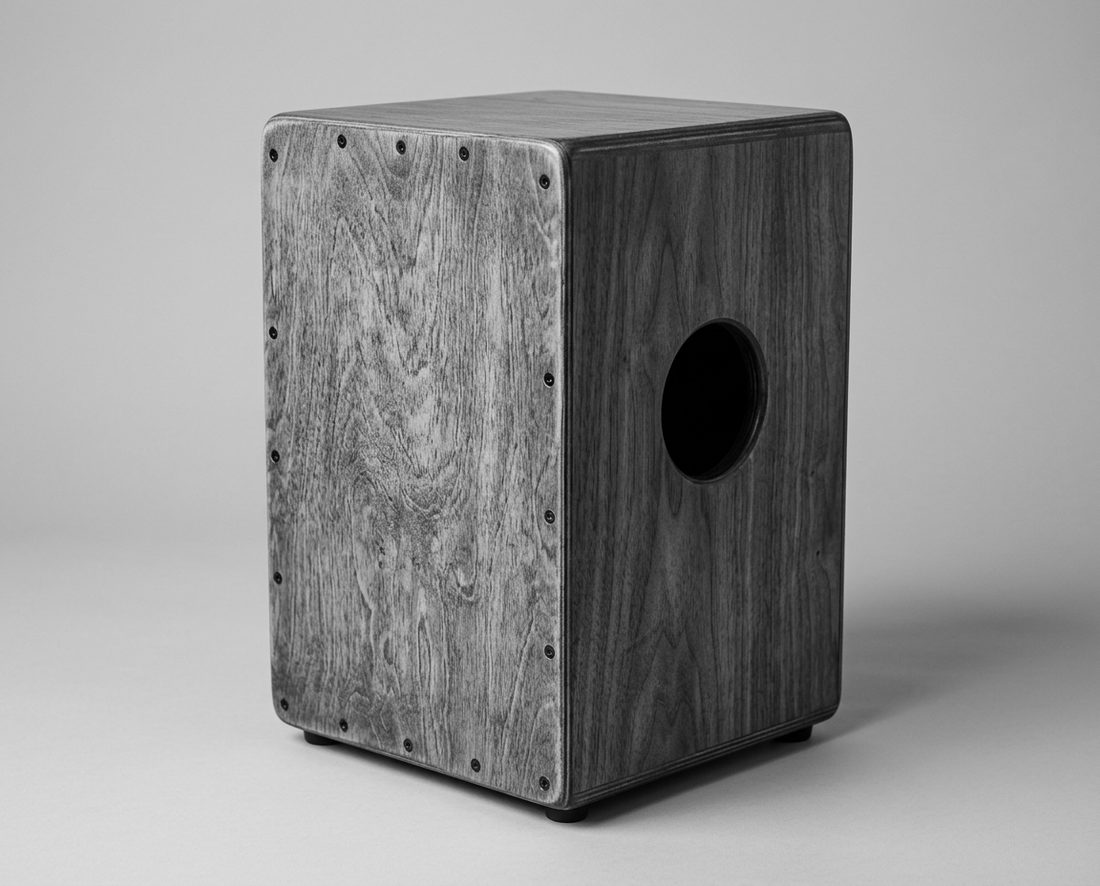
The Jam Room
A metronome, a drum machine with playable kit pads, chord loops to jam over, an AI song-idea and lyrics studio, and a one-tap recorder to catch the take.
Count it in →From first note to first jam
Pick your instrument
Not just the instrument — the type. A first-harp player and a blues player carry different harmonicas; the library knows that.
Learn the layout
Tap the harmonica holes, guitar strings, piano keys and drum zones to hear where every note lives before you can play it.
Add a second player
The Duet Lab maps your two ranges, splits the register, and suggests the roles, keys and first exercise to try.
Tune up and play
Each tutorial teaches its instrument's tuning. Tune by ear or by microphone, hear the pairing in a four-bar demo, and make the first jam sound like a band.
Start anywhere
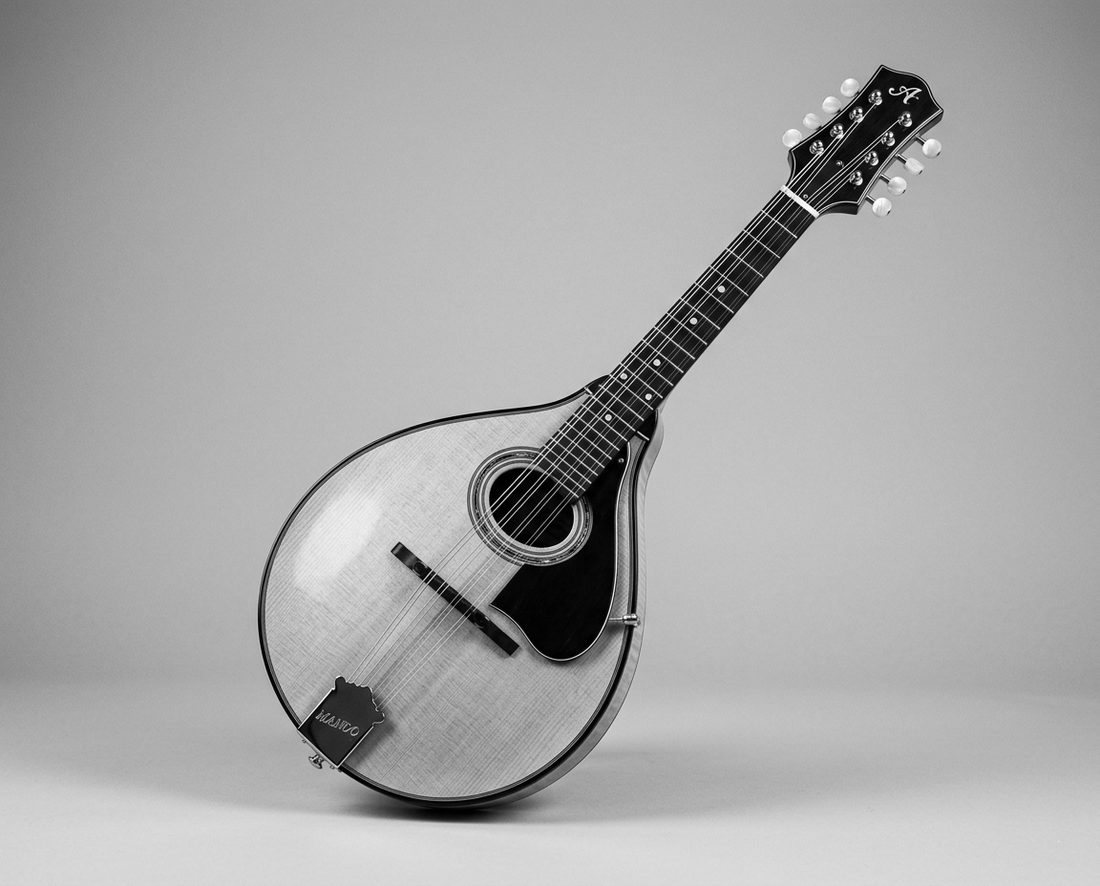
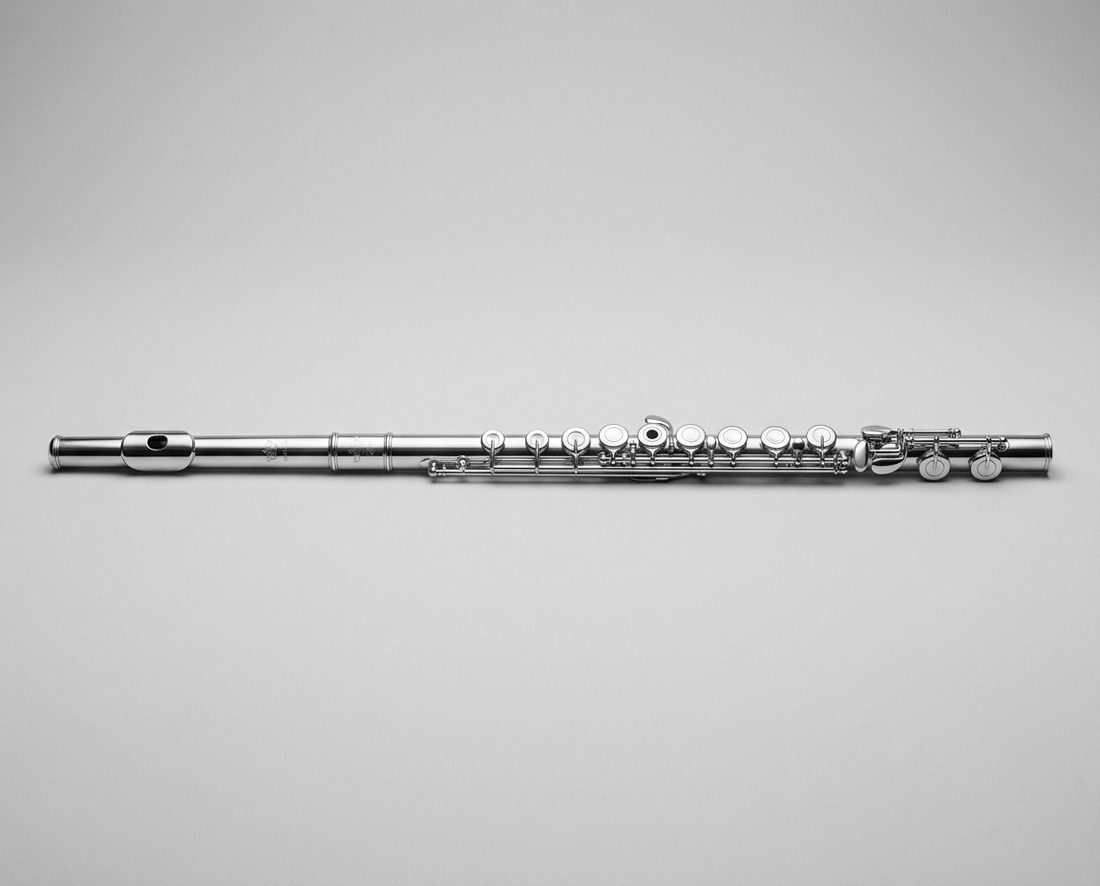
Eight families, one tutorial for every type inside them. These open their tutorials directly.
Browse all 22 instruments →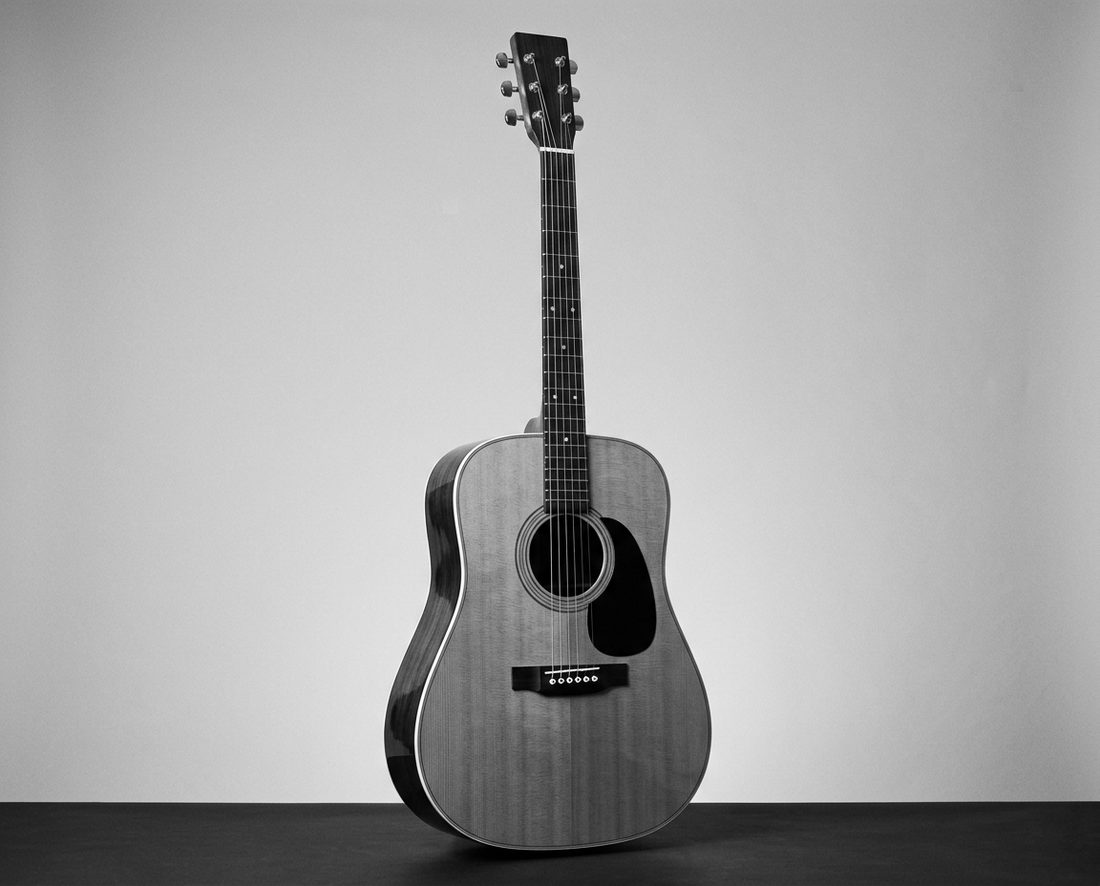
Ready for the first jam?
Pick an instrument, learn its notes, add a friend's, tune up — all on these pages, all in an afternoon.